Image Preprocessing#
spEnhance takes the H&E stained image paired with spot-level spatial transcriptomics data as one of the inputs.
Image rescaling#
To enable consistent analysis across whole-slide histological images acquired at varying resolutions, we first rescale each raw slide so that one pixel corresponds to a physical area of \(0.5\times0.5\ \mu m^{2}\).
To rescale the image, save the H&E stained image as he-raw.png, the raw pixel size of the image as pixel-size-raw.txt, and save the target pixel size (default:0.5) as pixel-size.txt.
python rescale.py ${prefix} --image
Input:
he-raw.png, H&E image paired with your ST data. The resolution of the image should be as high as possible.- Parameters:
${prefix}: directory to the folder containing the image, i.e.data/.
Output:
he-rescaled.jpg: the rescaled image with pixel size of \(0.5\ \mu m\).
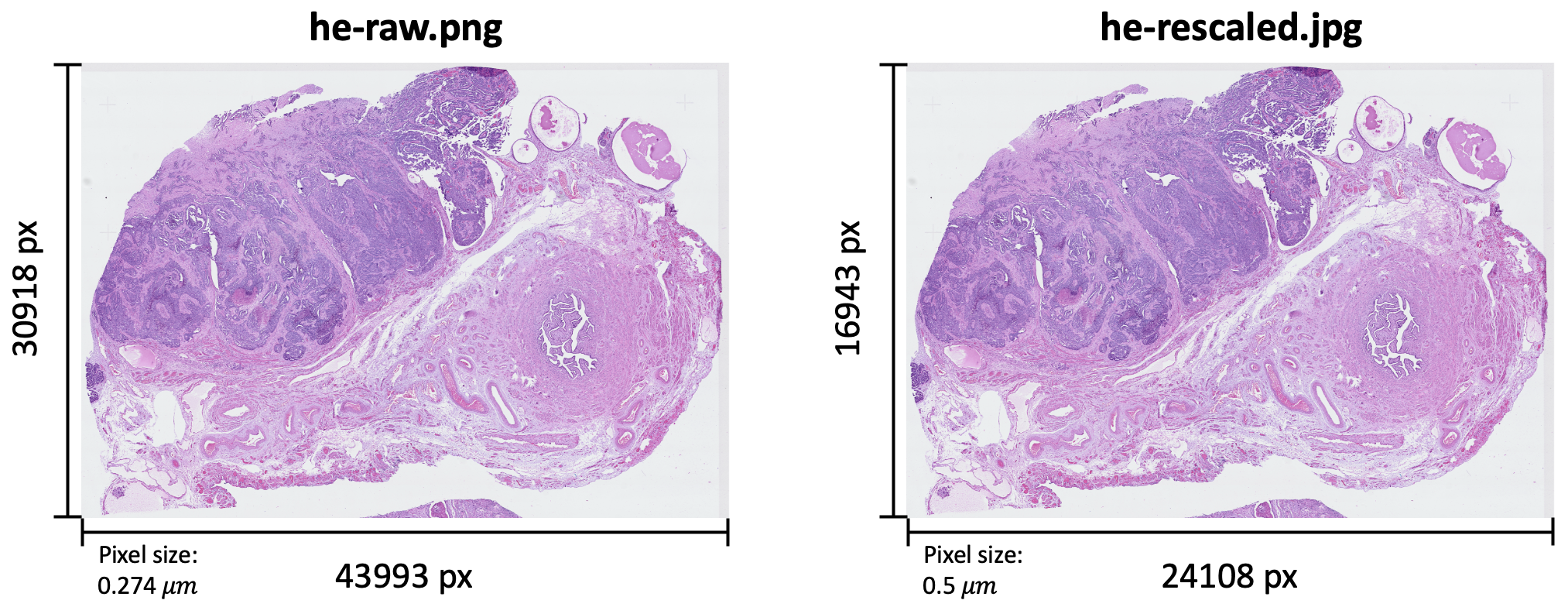
Image padding#
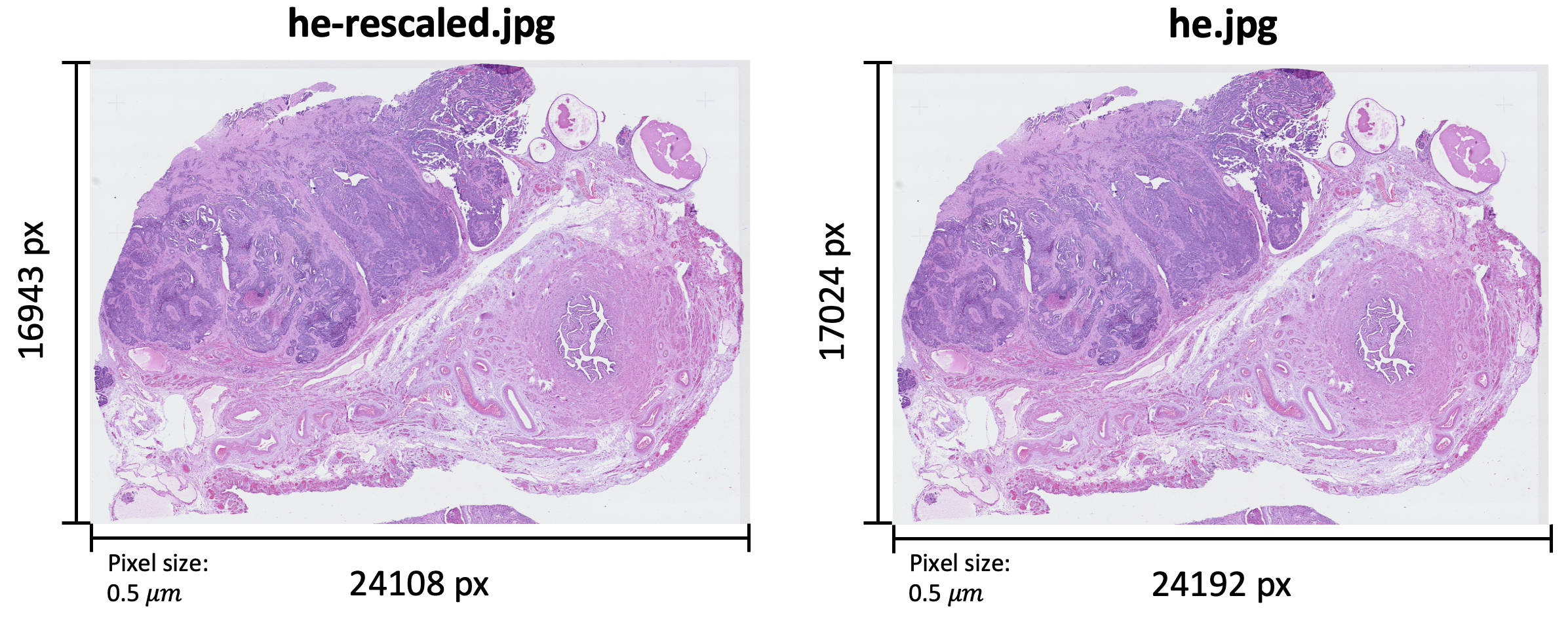
Next, for compatibility with subsequent feature extraction, images were further padded so that both width and height are divisible by 224.
python preprocess.py ${prefix} --image
Input:
he-rescaled.jpg, rescaled H&E image paired with your ST data.- Parameters:
${prefix}: directory to the folder containing the image, i.e.data/.
Output:
he.jpg: padded H&E image with width and height divisible by 224.